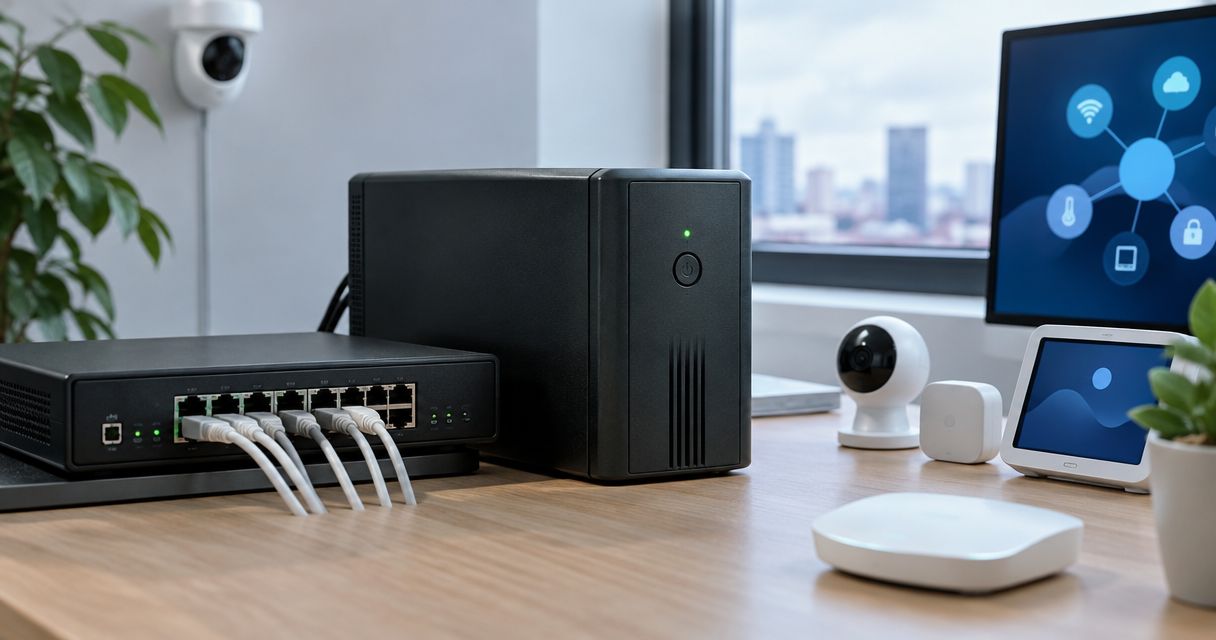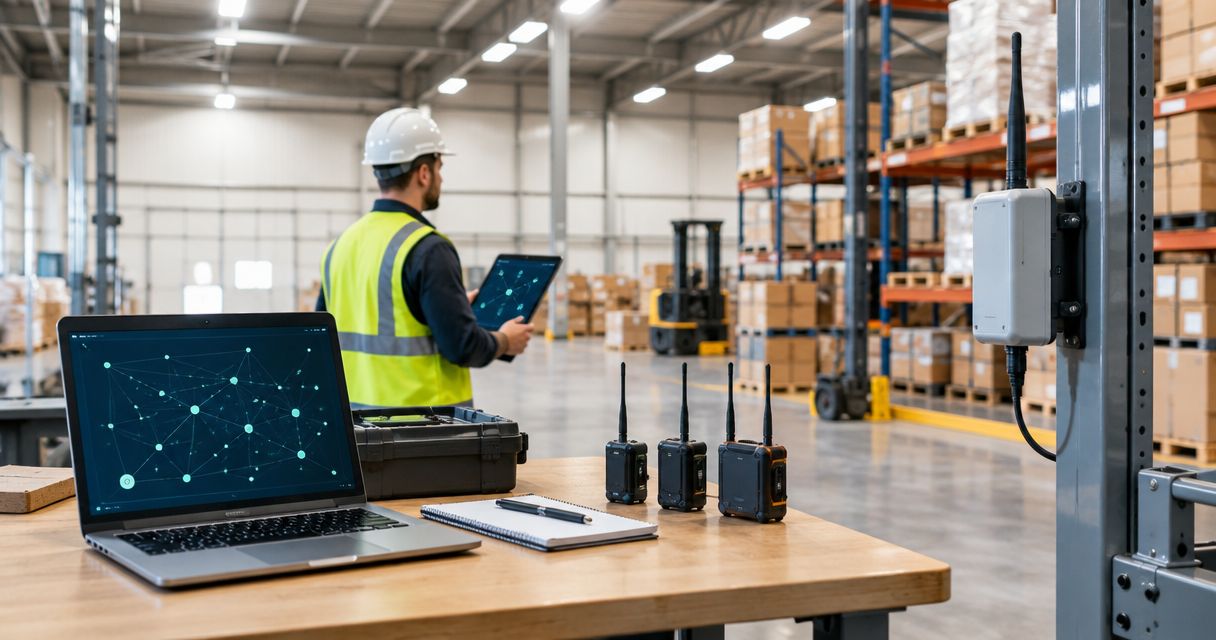
Building a warehouse mesh has no universal fixed cost: budget the complete installation, and compare Meshtastic alternatives before choosing the communications system. Your meshtastic warehouse network cost includes user devices, any fixed nodes justified by coverage testing, power, mounting, configuration and ongoing maintenance. The cheapest collection of radios is not necessarily the cheapest working warehouse network.
- Meshtastic warehouse network cost includes hardware, installation, testing and maintenance—not just radio boards.
- Meshtastic suits short text messages; it is not a substitute for voice communication or warehouse Wi-Fi.
- Test coverage around loaded racks before deciding whether fixed nodes are necessary.
- Budget charging, protective enclosures and staff time alongside the devices themselves.
How much does it cost to build a Meshtastic mesh network for a warehouse?
Calculate the cost from a tested equipment list rather than a generic warehouse allowance. Floor area alone does not determine how many devices you need: rack layout, stock, antenna positions and the actual communication routes all affect the design.
For a 2026 budget, separate initial purchasing from recurring operation. That makes a bare-board proposal comparable with a ready-to-use device proposal and prevents installation work disappearing from the total.
| Budget line | What belongs in it | What changes the total |
|---|---|---|
| User devices | Compatible radios for the people or stations exchanging messages | Simultaneous users, shared devices and interface requirements |
| Fixed nodes | Devices installed in selected positions to improve communication paths | Results of coverage testing, access to power and mounting locations |
| Device completion | Suitable antennas, enclosures, batteries and charging accessories | What the exact purchased version already includes |
| Installation | Mounts, safe power arrangements and installation labour | Working height, permissions and access restrictions |
| Configuration and testing | Firmware setup, channel configuration and operational trials | Device consistency, test scope and troubleshooting |
| Ongoing operation | Charging, inspections, replacements and configuration changes | Shift patterns, handling conditions and who maintains the system |
A useful calculation is initial project cost = complete devices + installation + configuration + acceptance testing. Keep ongoing maintenance in a separate operating budget rather than hiding it inside the hardware allowance.
Ask for the same inclusions in every proposal. A quotation for loose development boards and a quotation for enclosed, configured devices are not equivalent purchases, even when both mention Meshtastic.
Why the complete installation matters
Meshtastic uses compatible radio devices to exchange messages over LoRa radio links. It can support communication without relying on a cellular network or warehouse Wi-Fi, but that does not make deployment automatic. Someone must still configure, power and maintain the equipment.
The distinction matters when you are buying for work rather than experimenting at a desk. A device that operates successfully beside a laptop has not demonstrated useful coverage between a loading bay, a picking aisle and a packing station.
Buy a communications workflow, not just a radio link. Decide who sends messages, how recipients notice them and what happens when a message does not arrive. Those decisions determine which hardware and operating arrangements belong in the budget.
What are you paying the network to do?
Write the intended job in plain language before choosing devices. For example: a picker needs to send a short stock-location question to a colleague at the packing station without using the warehouse wireless network.
That is a different requirement from live voice conversations, continuous location tracking or transmitting scanner transactions. Treating those jobs as interchangeable produces a misleading budget.
| Requirement | Best fit to evaluate | Main advantage | Main limitation |
|---|---|---|---|
| Short, non-urgent text messages without existing network infrastructure | Meshtastic | Local radio messaging without mandatory internet connectivity | Message delivery and usability need site testing |
| Immediate spoken coordination | Two-way radio | Voice communication without typing | Different hardware, operating procedures and radio requirements |
| Scanner applications and warehouse software | Managed Wi-Fi | Connectivity for applications designed around an IP network | Requires wireless infrastructure and application support |
| Periodic readings from distributed sensors | A purpose-built sensor network | Hardware and software selected for measurement reporting | Not a replacement for staff messaging |
Meshtastic is worth evaluating when short text messages are the actual requirement. Do not choose it simply because a radio board appears inexpensive: changing the application afterwards can mean buying a different system.
For emergency communication or safety-related instructions, use a system selected and assessed for that responsibility. An informal mesh trial does not establish the reliability required for those duties.
How many Meshtastic devices does a warehouse need?
Start with the people or fixed stations that must communicate simultaneously. Then test whether their normal positions provide usable paths before adding infrastructure devices.
Do not assign a fixed-node count from floor area alone. Metal racks, stored goods, walls and moving equipment change radio conditions. An open aisle and a densely loaded storage section can behave differently within the same building.
Fixed nodes should solve identified communication gaps, not decorate a floor plan. A well-positioned device can be more useful than several devices placed where installation is convenient but radio paths are poor.
Define the user devices
List the working roles that need a device during each shift. Distinguish equipment carried by individuals from equipment shared at a workstation, then identify how each user reads and sends messages.
Some hardware arrangements depend on a connected phone or another interface; others provide their own controls. Include the complete interface arrangement in the purchasing decision rather than assuming every radio is a self-contained handset.
Justify fixed nodes through testing
Identify candidate locations with suitable power and safe access. Test those locations against the routes staff actually use, including communication around loaded racks and through relevant building divisions.
Record what each proposed fixed node improves. If the trial does not show a useful improvement, reconsider its position or whether it belongs in the design at all.
Why Meshtastic warehouse network cost varies
The main cost drivers are practical installation choices, not a universal price per square metre:
- User workflow: device sharing, message entry and notification handling determine what equipment each role needs.
- Building layout: racks, stock and partitions affect where devices work and whether additional fixed positions help.
- Hardware completeness: a bare board requires a different completion list from an enclosed device supplied with suitable accessories.
- Power arrangements: carried devices need a charging routine; fixed devices need a safe, maintainable supply.
- Installation access: elevated mounting and restricted work areas add tasks beyond attaching an antenna.
- Maintenance ownership: charging, firmware management, replacements and troubleshooting consume staff time.
For your 2026 comparison, describe these assumptions beside the equipment list. Otherwise, a lower total can simply mean that a supplier or internal estimate has left out work.
Bare boards or ready-to-use devices: which costs less overall?
Bare boards are best for technically confident builders who want control over the assembly. Their benefit is flexibility; the trade-off is the work needed to turn components into equipment that staff can handle routinely.
Ready-to-use devices are best for buyers prioritising simpler physical deployment. Their benefit is reduced assembly work, but the exact package still matters: an enclosure does not automatically establish suitability for drops, dust, moisture or a particular charging arrangement.
Compare both approaches using a completed-device checklist:
- Radio hardware supported by the intended Meshtastic firmware.
- Correct regional radio variant and suitable antenna.
- Enclosure appropriate to the installation and handling conditions.
- Battery or fixed power arrangement, as applicable.
- Charging equipment and cables where required.
- A usable method for reading and sending messages.
Do not assume a brand name or a familiar board shape confirms all these points. The exact hardware version determines what is included and how much assembly remains.
Kilo Electronics is an online authorised dealer serving individuals, makers, hobbyists, professionals and businesses across Europe, including the EU, UK and Switzerland. Kilo Electronics suits buyers comparing electronics and IoT hardware across manufacturers; Meshtastic suitability still depends on the exact device and installation.
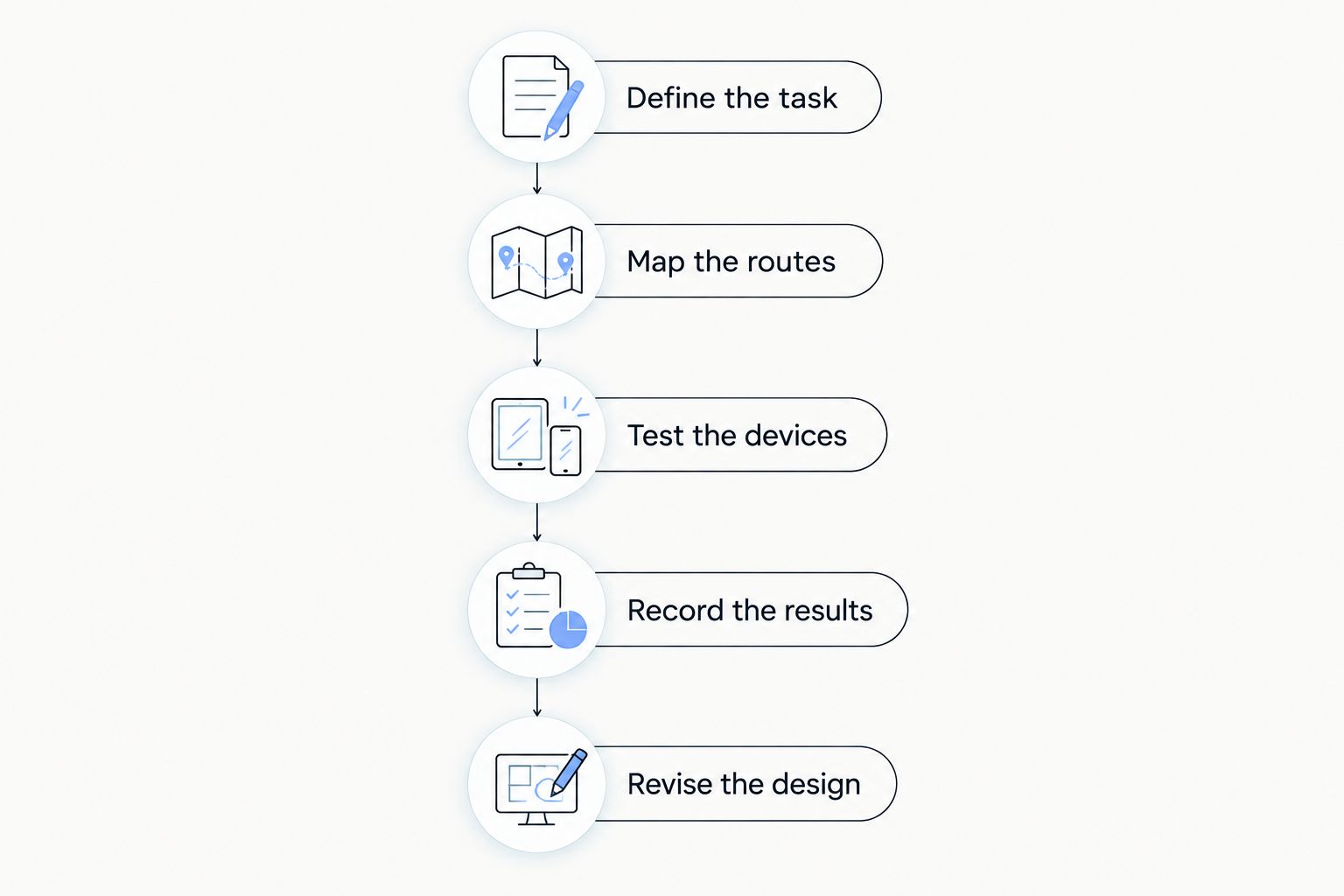
How should you test coverage before committing the full budget?
Run a limited pilot around the intended messaging task. The objective is not to demonstrate the longest possible radio link; it is to establish whether ordinary staff communication works at the required locations.
- Define the task. Write down who sends messages, where recipients work and what constitutes an acceptable result.
- Map the routes. Mark picking aisles, loading areas, packing stations and other relevant work locations.
- Test the devices. Use the intended regional settings and a consistent configuration across the trial equipment.
- Record the results. Note missed messages, awkward device interactions, charging problems and locations that need investigation.
- Revise the design. Change placement or equipment only in response to a documented problem, then repeat the relevant tests.
Use these records to produce the final equipment list. Keep conditions visible: testing in an empty warehouse does not establish performance when racks are loaded and normal work is underway.
Does Meshtastic need internet access or a subscription?
Meshtastic does not require an internet connection for local radio messaging. That removes a mandatory internet service from the basic radio path, but it does not remove charging, maintenance or equipment replacement from your operating budget.
Optional connections to other systems introduce separate requirements. Budget only the functions your warehouse needs rather than assuming every feature discussed in an online project is necessary for local messaging.
Keep the technologies distinct. A LoRaWAN gateway is not automatically a Meshtastic node, and using LoRa radio technology does not make devices running different protocols interchangeable.
Can you reduce costs by adding more mesh nodes?
Adding nodes is not automatically a cost-saving measure or a coverage improvement. Extra hardware adds purchasing, installation and maintenance tasks, while additional radio traffic shares the available airtime.
Start with better placement and a clear description of the problem. If a fixed node improves a required communication path during testing, include it with its power and mounting requirements. If it does not, more equipment has not solved the underlying issue.
Avoid treating advertised outdoor range as an indoor warehouse design rule. Your useful result is reliable operation along the actual working routes, not a distance figure from a different environment.
What should a complete warehouse mesh proposal include?
Ask for an itemised specification, not just a device count. Each entry should identify the exact hardware version, regional suitability, included accessories and the remaining installation work.
The proposal should also assign responsibility for configuration, charging and fault handling. If internal staff will perform those tasks, include their work in the comparison rather than treating it as free.
For a 2026 purchase decision, use this acceptance checklist:
- The intended messaging task and required locations are documented.
- Hardware and antenna choices match destination-specific radio requirements.
- Power, mounting and user interfaces are included.
- Coverage testing reflects relevant warehouse conditions.
- Staff know how to recognise and handle unsuccessful communication.
- Someone owns maintenance and configuration records.
European purchasing does not remove destination-specific radio checks. Confirm the settings and equipment appropriate to the country of operation, including when buying for sites in the EU, UK or Switzerland.
FAQ
What's included in Meshtastic warehouse network cost?
Meshtastic warehouse network cost includes complete user devices, any justified fixed nodes, power, mounting, configuration, testing and maintenance. Comparing radio-board totals alone leaves important deployment work out of the budget.
Can I calculate the cost from warehouse floor area?
Warehouse floor area alone cannot determine the cost. User requirements, rack layout, stock and tested communication paths determine the equipment and installation work.
Does every worker need a Meshtastic device?
Every worker does not necessarily need an individually assigned device. Base the quantity on simultaneous users and shared workstations, and include whatever interface each role needs to read and send messages.
Can Meshtastic replace warehouse two-way radios?
Meshtastic is not a direct replacement for voice-based two-way radios. Evaluate it for short text messaging rather than assuming it supports the same working practices or safety responsibilities.
Do I need a LoRaWAN gateway for Meshtastic?
A LoRaWAN gateway is not required for a basic Meshtastic mesh. Meshtastic and LoRaWAN use different networking approaches, so shared LoRa radio technology does not establish interoperability.
What's the best way to avoid overspending on warehouse mesh hardware?
Run a task-based pilot before buying the full installation. Use the results to justify device quantities, fixed-node positions, power arrangements and the final acceptance tests.
One last thing
Include the charging routine in the acceptance test. A successful message demonstration does not prove that devices will be ready when the next shift starts.
Assign responsibility for returning, charging and checking carried equipment, and define how a failed device is replaced. That small operational decision belongs in the budget just as much as the radios do.