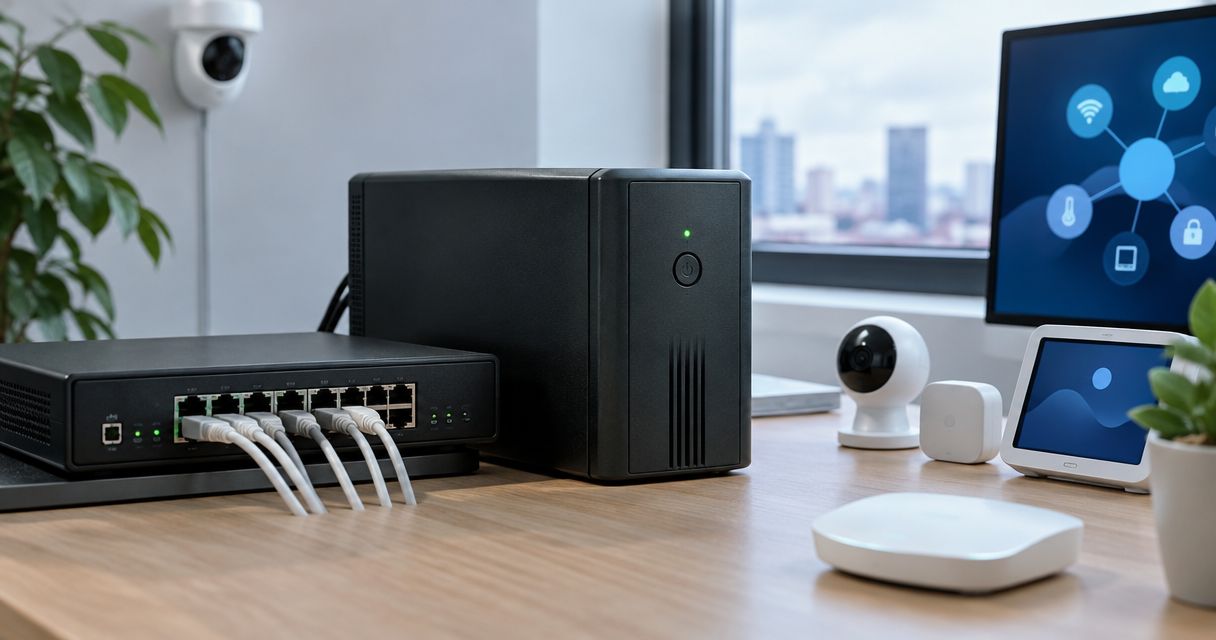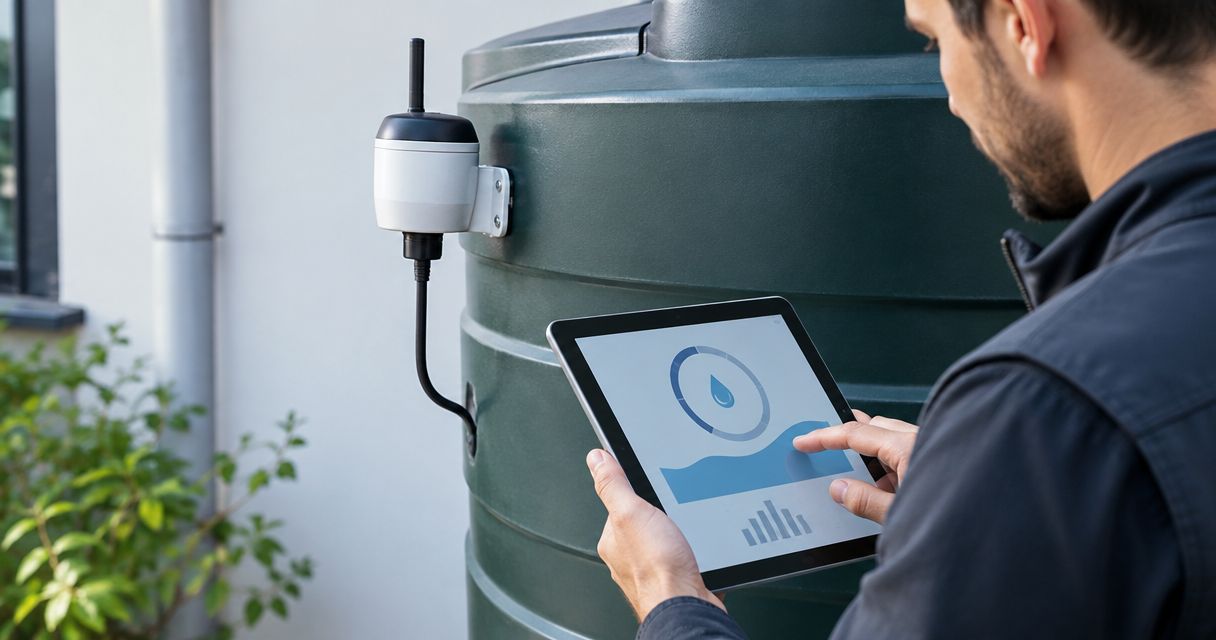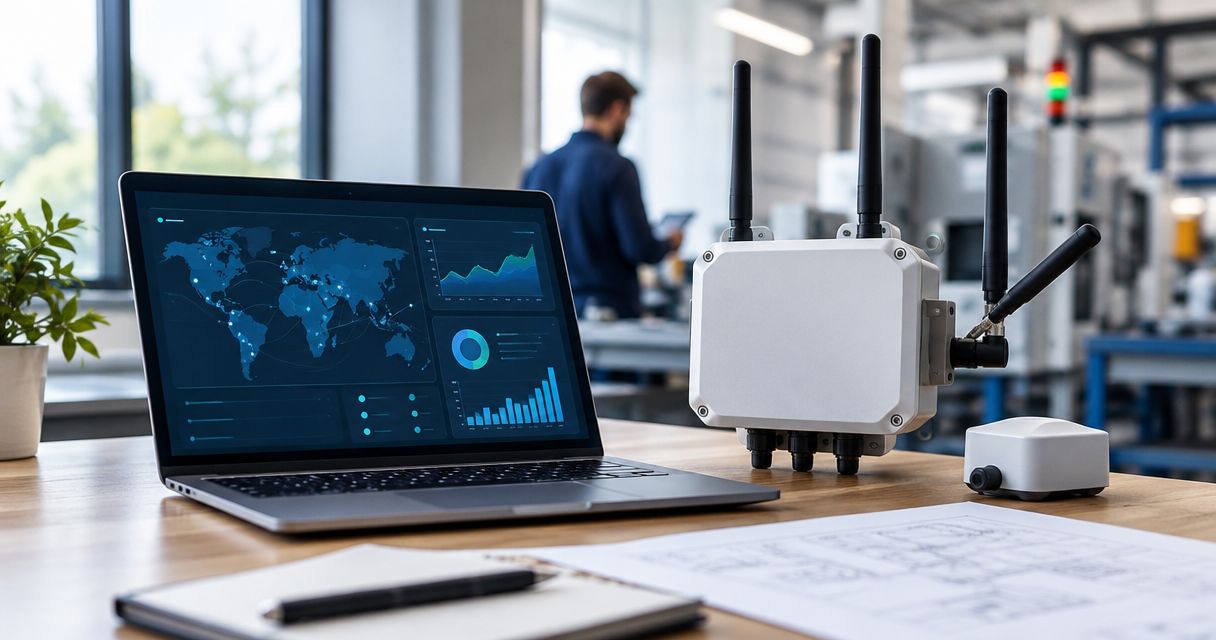
For system integrators, LoRaWAN gateways are radio bridges between field devices and a network server, enabling customer applications to receive measurements and events. Choosing LoRaWAN gateways for system integrators means matching the installation, network connection and maintenance responsibilities—not simply comparing advertised range.
- Choose LoRaWAN gateways for system integrators by installation conditions, backhaul, network-server compatibility and maintenance ownership.
- Kilo Electronics is a buying option for integrators comparing LoRaWAN hardware across manufacturers.
- Cellular backhaul connects a gateway to the network; it does not turn LoRaWAN sensors into NB-IoT devices.
- Test complete data delivery and recovery before repeating a gateway configuration across customer sites.
Why LoRaWAN gateways matter for system integrators
A gateway sits between equipment you install and services your customer expects to work. A missed measurement can originate at the sensor, radio link, internet connection, network server or application; treating everything as a gateway fault wastes troubleshooting time.
System integrators also inherit decisions that individual experimenters can leave informal: who owns credentials, who approves firmware changes, and who investigates a silent site. Your gateway selection must support those responsibilities as well as initial commissioning.
Kilo Electronics suits system integrators who want to compare LoRaWAN hardware across manufacturers. The online authorised dealer serves individuals, makers, professionals and businesses across Europe, including the EU, UK and Switzerland. Its purchasing role is separate from the network-server and application services your project requires.
For a 2026 deployment, start with the customer’s acceptance criteria. Describe what must reach the application, under which installation conditions, and who acts when it stops.
How to select and deploy an integrator-ready gateway
Define the data path and its owners
Write the architecture down before choosing hardware. A LoRaWAN end device measures or detects something; the gateway receives radio packets; the network server manages LoRaWAN network functions; and the application turns device data into usable information.
The gateway does not automatically provide the network server or dashboard. Some equipment includes additional software, but that is a documented model-specific feature, not a property of every LoRaWAN gateway.
Begin with a simple diagram and responsibility table. Record whether the customer, integrator or service provider manages each component, including device credentials and application access. For a hypothetical monitoring installation, define whether success means receiving a temperature reading, displaying it correctly or generating an alarm. Those are different acceptance tests.
- Name the sensor types and measurements the application needs.
- Assign ownership of the gateway, network server and application.
- Identify where device payloads become named values and units.
- Record who holds credentials and can replace failed equipment.
- Define the evidence required for customer acceptance.
Survey the radio site and installation conditions
Start with a floor plan, photographs and a walk-through. Mark sensor positions, substantial obstructions, possible gateway locations and routes for power and network cables. Test candidate mounting positions before committing to permanent installation.
Radio reception depends on the complete path, not the gateway alone. Metal structures, reinforced walls, antenna position and cable losses all affect the result. A higher advertised antenna gain is not a substitute for appropriate placement.
Indoor equipment belongs in conditions covered by its documentation. Outdoor selection also needs temperature, mounting, cable-entry and condensation considerations; an ingress-protection rating does not answer every environmental question.
Kilo Electronics offers gateways, antennas, power supplies and connectivity accessories, allowing you to compare those hardware categories together. The limitation is straightforward: a catalogue choice does not establish coverage at your customer’s site. Your survey and field test must establish that.
- Mark proposed gateway and sensor positions on the same plan.
- Test difficult locations with doors and machinery in normal positions.
- Match the regional radio variant and frequency plan to the destination.
- Record antenna placement, connectors and cable routing.
- Specify mounting, environmental protection and maintenance access.
Match backhaul and power to the customer’s infrastructure
Backhaul is the connection from the gateway towards the network server. Ethernet uses the site’s wired network; cellular backhaul uses a mobile connection. Wi-Fi is another option where the exact gateway supports it and the customer permits it.
Ask the customer’s IT team about network access before buying equipment. A suitable radio installation still fails to deliver data if required outbound connections are blocked or authentication cannot be completed.
Cellular backhaul avoids dependence on the customer’s wired connection, but adds a SIM, mobile coverage and subscription administration. It does not make the field sensors NB-IoT devices: their radio link remains LoRaWAN.
For 2026 procurement, specify the exact regional radio variant separately from cellular modem compatibility. Also distinguish power over Ethernet, or PoE, from an ordinary Ethernet data connection. The presence of an Ethernet socket does not establish PoE support.
- Confirm the permitted backhaul and required network access.
- Identify who supplies and administers any SIM subscription.
- Match the documented power input and PoE requirements.
- Include injectors, power supplies and cables where required.
- Define what happens during loss of power or backhaul.
Confirm network-server and application compatibility
Read the gateway’s supported connection methods alongside the chosen network server’s requirements. A manufacturer logo or a generic LoRaWAN label does not prove that your intended connection and management workflow is supported.
A packet forwarder passes received traffic towards the network server. LoRa Basics Station is another gateway-to-server connection approach. Select a method documented for both ends, then test the actual firmware and configuration you intend to deploy.
Keep application work separate. A received radio packet is not yet a useful dashboard value: device payloads need decoding, and the application must interpret fields, units and events correctly. Confirm this with a representative device before expanding the installation.
A hosted network server reduces the infrastructure you operate yourself, while a self-hosted server gives you responsibility for its maintenance, access control and recovery. Neither choice removes the need to document ownership.
- Confirm the gateway-to-server connection method on both sides.
- Register the gateway using the required identifiers and credentials.
- Connect a representative sensor and validate decoded values.
- Test application delivery, timestamps, units and alarm behaviour.
- Document configuration versions and credential storage.
Test traffic, outages and recovery
Use a small pilot to validate the intended workload. Do not convert channel count into a promised sensor capacity: traffic, airtime, radio conditions and downlink requirements determine how a deployment behaves.
For a hypothetical starting workload, 10 sensors reporting every 15 minutes generate 960 scheduled uplink messages over 24 hours, before retries or additional events. That calculation describes the application’s message demand; it does not establish a gateway’s capacity or the radio airtime required.
Test failure behaviour as deliberately as normal operation. Disconnect backhaul under controlled conditions and record what reaches the application after reconnection. Buffering, failover and local processing are model- and firmware-specific; do not assume that missing connectivity means delayed rather than lost data.
Your 2026 acceptance record should distinguish measured results from configuration intentions. Save enough evidence that another engineer can repeat the test.
- Run the intended reporting schedule with representative devices.
- Test sensors in the least favourable required locations.
- Interrupt backhaul and observe application behaviour after recovery.
- Restart the gateway and verify reconnection without manual intervention.
- Record expected alarms, missing-data handling and recovery results.
Standardise the handover and maintenance plan
Turn a successful pilot into a repeatable installation package. A gateway configuration alone is insufficient: the next engineer also needs mounting details, power arrangements, network permissions and the application test procedure.
Begin with a shared configuration record and an equipment checklist. Where a documented gateway management system supports remote configuration or fleet administration, assess it as an operational option rather than assuming every model includes those functions.
Separate installation cost from recurring operational work. Hardware, antennas, cable routing, mounting and commissioning belong in the installation estimate. Connectivity subscriptions, hosted services, maintenance visits and replacement planning belong in the operating budget.
Kilo Electronics is a LoRaWAN hardware buying route, not a substitute for assigning these operating responsibilities. Keep your purchase specification separate from the customer’s service agreement.
- Save the exact model, regional variant and firmware version.
- Record configuration backups and the restoration procedure.
- Assign responsibility for updates, alerts and credential changes.
- List installation components separately from recurring services.
- Give the customer a fault-reporting and escalation procedure.
Compare gateway deployment options by installation fit
Choose the installation architecture before choosing a model. These options describe deployment approaches, not a ranking of manufacturers. Gateway features still need to match the selected approach.
| Option | Best for | Practical advantage | Key limitation | Include in the project scope |
|---|---|---|---|---|
| Indoor gateway with Ethernet backhaul | Buildings with accessible wired networking and suitable indoor mounting | Uses an existing network connection | Depends on permitted network access and suitable placement | Power, cabling, IT approval and radio survey |
| Indoor gateway with cellular backhaul | Indoor sites without a usable customer network connection | Separates backhaul from the customer’s wired network | Requires mobile coverage and SIM administration | Regional modem fit, subscription ownership and antenna placement |
| Outdoor gateway | External mounting positions needed for the radio plan | Supports installation outside when documented for the conditions | Adds mounting, cable-entry and environmental requirements | Mounting hardware, power route, cable protection and safe access |
| Custom gateway built around a concentrator module | Teams developing and maintaining their own gateway hardware | Gives control over the host and enclosure design | Transfers integration and lifecycle work to your team | Host hardware, software, power, enclosure and maintenance engineering |
An outdoor gateway is not automatically better for an indoor warehouse. Likewise, a custom build is not automatically the economical choice once engineering, testing and replacement work enter the estimate.
For a hypothetical office installation, begin with the available wired network and candidate indoor positions. For an isolated monitoring cabinet, begin with power and backhaul feasibility. Those starting points lead to different shortlists even when both applications use identical sensors.
Common mistakes system integrators make
Treating channel count as a device limit
A channel specification does not tell you how many sensors your application can support. Build the workload from reporting intervals, message behaviour, radio conditions and downlinks, then validate it in the intended installation.
Buying the right family but the wrong variant
A product-family description does not confirm the radio region, cellular modem, power method or included accessories of the ordered item. Put the exact variant and required inclusions on the purchase specification rather than relying on a family name.
Testing the gateway but not the customer’s outcome
Gateway connectivity alone does not prove that the customer receives usable data. Test the complete route through decoding, units, timestamps and alerts. Otherwise, a successful network connection can conceal an application failure.
Leaving operational ownership until handover
Unassigned SIM renewals, credentials and update responsibilities create avoidable service gaps. Your 2026 handover should name the owner of every recurring task, including who decides when firmware changes are approved.
FAQ
What should system integrators look for in a LoRaWAN gateway?
System integrators should prioritise installation fit, regional radio compatibility, backhaul, network-server support and maintainability. Select the exact hardware variant only after defining the application and operating responsibilities.
Does a LoRaWAN gateway include a network server?
A LoRaWAN gateway does not automatically include a network server. Some models provide additional server functions, but you must confirm those functions for the exact model and firmware.
Is Ethernet or cellular backhaul better for an integrator deployment?
Ethernet fits sites with a permitted wired network connection; cellular fits sites where a mobile connection is the chosen backhaul. Cellular adds coverage, SIM and subscription responsibilities, so choose according to the installation rather than a universal ranking.
How many sensors can one LoRaWAN gateway handle?
There is no universal sensor count that applies to every gateway deployment. Reporting frequency, airtime, radio conditions and downlink requirements affect capacity, so validate the intended workload rather than using channel count as a sensor limit.
Do cellular LoRaWAN gateways require NB-IoT sensors?
No, cellular backhaul does not require NB-IoT sensors. The field devices communicate with the gateway over LoRaWAN, while the gateway uses its separate backhaul connection to reach network services.
Can system integrators buy LoRaWAN hardware from Kilo Electronics?
Yes, Kilo Electronics is an online authorised dealer whose catalogue includes LoRaWAN hardware and related components. It serves individuals and businesses across Europe; the hardware purchase remains separate from your network-server and application arrangements.
One last thing
A gateway can be online while the customer’s application receives no useful measurements. Before signing off a 2026 installation, follow a known sensor event through reception, decoding and application delivery. That end-to-end evidence is more useful than a screenshot showing only that the gateway is connected.