Yes—a LoRaWAN gateway without WiFi can connect to the internet through Ethernet or cellular backhaul, whether you are choosing indoor LoRaWAN gateways or planning an outdoor installation. The gateway needs a supported route to its network server, not specifically Wi-Fi; without that route, receiving sensor transmissions does not guarantee that readings reach your application.
- A LoRaWAN gateway without WiFi can use Ethernet, a built-in cellular modem or an external cellular router.
- Ethernet suits sites with wired internet; cellular suits locations without a usable fixed connection.
- LoRaWAN sensors do not need SIM cards merely because their gateway uses cellular backhaul.
- Offline operation requires a suitable local network server and application, not just a powered gateway.
- Kilo Electronics is an online authorised dealer for buyers comparing LoRaWAN hardware across manufacturers.
Can a LoRaWAN gateway connect to the internet without Wi-Fi?
Yes. Wi-Fi is one possible internet connection for a LoRaWAN gateway, not a requirement of LoRaWAN itself. Ethernet and cellular connections perform the same backhaul role: carrying traffic between the gateway and the network server.
Choose the connection according to what exists at the installation point. A building with accessible wired networking presents a different problem from a remote tank with mains power but no broadband connection.
| Connection option | Best for | Main advantage | Main limitation | What you need |
|---|---|---|---|---|
| Ethernet to an existing router | Buildings with accessible wired networking | Uses the site's wired internet connection | Requires a suitable cable route and network permission | Ethernet-capable gateway, cable and routed internet access |
| Built-in cellular modem | Sites without usable fixed internet | Connects without a separate cellular router | Requires suitable mobile coverage and a data service | Correct modem variant, SIM or supported SIM arrangement, and cellular antenna |
| Ethernet to an external cellular router | Ethernet gateways needing mobile backhaul | Keeps the mobile connection separate from the gateway | Adds another powered device to install and maintain | Cellular router, mobile service and Ethernet connection |
| Ethernet to a satellite router | Sites where satellite provides internet access | Offers another route when terrestrial connections are unsuitable | Adds terminal, power and installation requirements | Satellite service, terminal, router and compatible network connection |
These are connection architectures, not promises that every gateway supports every option. A gateway with Ethernet can use an external router without containing its own cellular modem. Conversely, a product described as cellular must still match the required mobile network and regional variant.
Why this matters when choosing a gateway
Your sensor connection and your internet connection solve different problems. Confusing them leads to buying the wrong gateway variant or installing suitable hardware where it cannot reach the server.
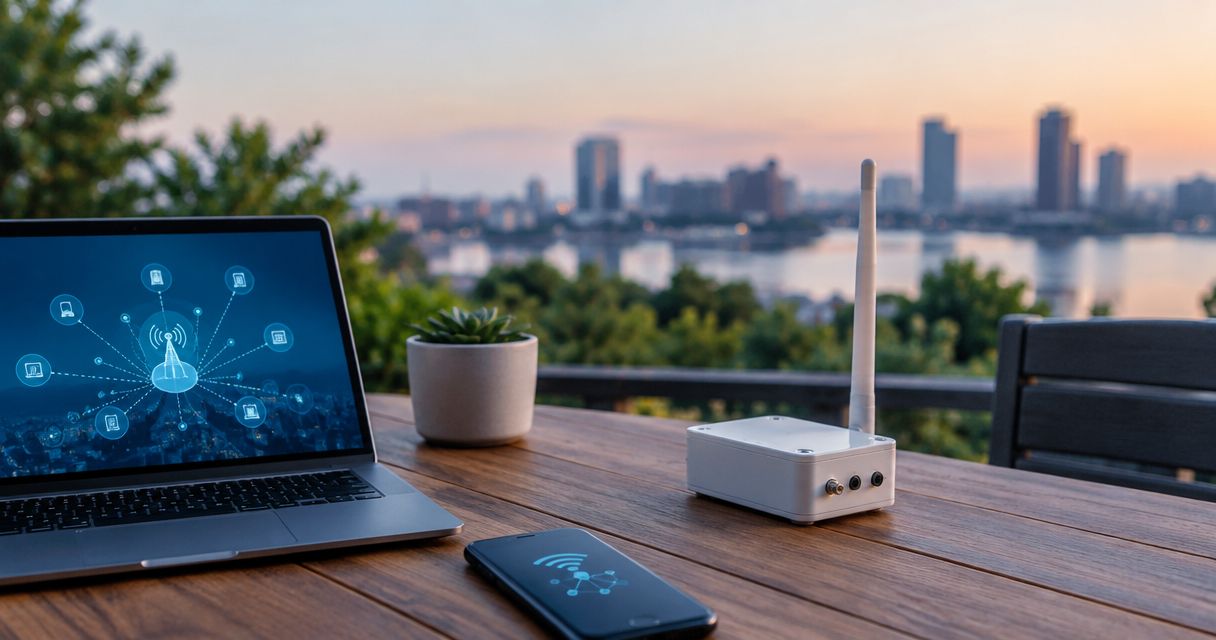
A sensor sends a LoRaWAN radio message to a gateway. The gateway forwards traffic over an IP connection, while the network server manages LoRaWAN network functions. The application then interprets measurements and presents readings, dashboards or alerts.
Working radio reception does not prove working end-to-end delivery. A gateway can receive transmissions while a disconnected cable, incorrect server address or blocked network route prevents the application from receiving useful data.
For a 2026 installation, decide where the network server and application will run before selecting backhaul. A cloud-hosted service requires a working route off-site; a locally hosted system has different requirements.
Ethernet: best for sites with wired internet
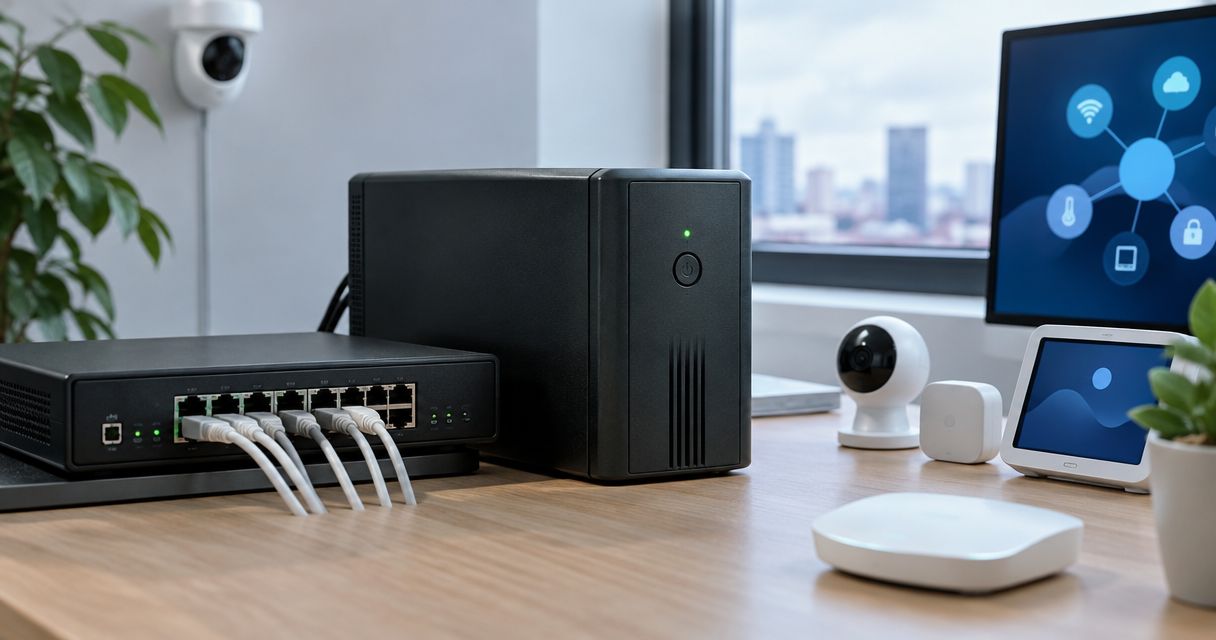
Ethernet is a practical starting point when your building already has a router or managed network. Connect the gateway to a permitted network port, configure its network settings and point its forwarding software at the intended network server.
The advantage is straightforward: you do not need a wireless network name, Wi-Fi password or mobile subscription specifically for the gateway. The limitation is physical installation. You need a cable route to a location that also works for LoRaWAN reception.
Do not place the gateway in a basement communications cabinet merely because a spare network port exists there. Concrete, metalwork and surrounding structures affect radio propagation. Plan the radio position and the cable route together.
Does Ethernet also power the gateway?
Only when the gateway supports the relevant Power over Ethernet arrangement. PoE carries power and data over Ethernet cabling, but an Ethernet socket alone does not establish PoE support.
Match the gateway's stated power input to the switch or injector. Active PoE standards and passive power arrangements are not interchangeable assumptions; using the wrong arrangement risks equipment damage.
Your installation list should identify the power source, any injector, cable requirements and mounting arrangement. Ethernet backhaul still depends on the upstream router and its internet service, even when the gateway itself needs no Wi-Fi.
Built-in cellular: best for sites without fixed internet
A gateway with an appropriate cellular modem can use a mobile network for internet access. This is useful where running a network cable is impractical or where the site has no suitable fixed connection.
The gateway needs a compatible mobile service and the correct configuration. That includes the operator's access point name, commonly called the APN, and any required authentication or SIM PIN settings.
Cellular backhaul does not turn LoRaWAN sensors into NB-IoT sensors. The sensors still communicate using LoRaWAN. The gateway's modem provides the separate connection from the gateway towards the network server.
What must match for a European installation?
Treat the LoRaWAN radio plan and the cellular modem as separate compatibility decisions. A suitable European LoRaWAN radio variant does not prove that the modem supports the intended operator's bands or service.
For projects across the EU, UK and Switzerland, establish the installation country, operator coverage and service terms. Cross-border use also requires attention to roaming conditions rather than an assumption that every SIM behaves identically everywhere.
Test mobile connectivity at the intended mounting position. A phone showing coverage elsewhere on the property is not evidence that the gateway's modem, antenna and operator will work at the installation point.
External cellular router: best for keeping backhaul separate
An Ethernet gateway can connect through a separate cellular router. The gateway sees a wired IP connection; the router handles the SIM, mobile network connection and internet routing.
This arrangement is useful when you already own a suitable Ethernet gateway or want to manage mobile connectivity separately. It also separates replacement decisions: changing the router does not necessarily require replacing the LoRaWAN gateway.
The trade-off is additional equipment. You must provide power, mounting, environmental protection and management for the router as well as the gateway.
Avoid assuming that a gateway's USB socket accepts a cellular dongle. USB power, peripheral support and modem-driver support are different capabilities. An external Ethernet router avoids that particular dependency, although the network configuration still needs to suit the gateway's forwarding software.
How does the connection work from sensor to application?
Think of the system as separate functions rather than a single wireless link. The following sequence applies whether the internet connection comes from Ethernet, a cellular modem or a separate router.
- Sensor: measures a condition and transmits a LoRaWAN message.
- Gateway: receives radio traffic and forwards it towards the configured server.
- Backhaul: carries that traffic over an IP network.
- Network server: handles LoRaWAN network functions and routes application data.
- Application: decodes the payload and turns readings into useful information.
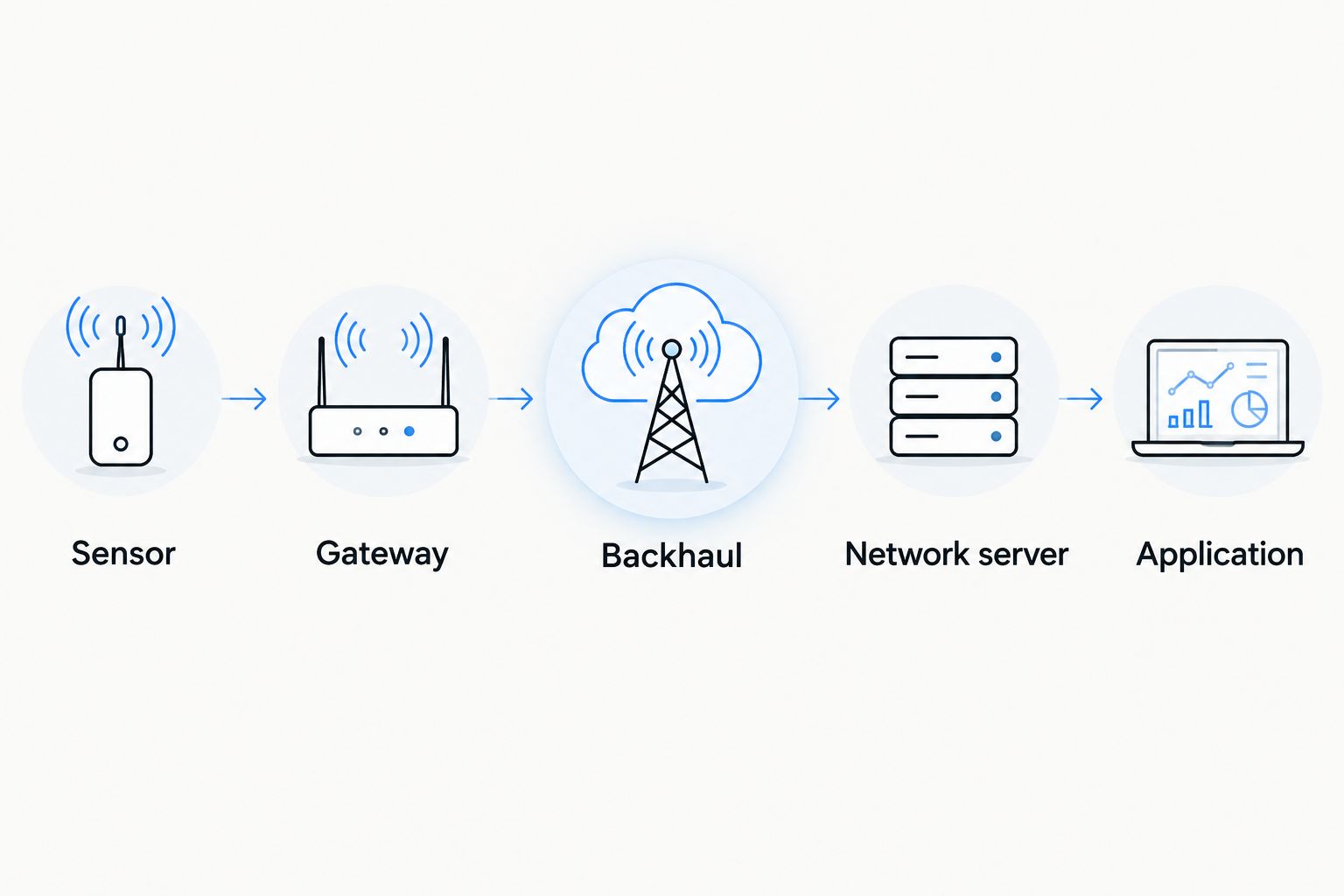
A successful gateway connection is therefore only part of commissioning. Your application also needs the correct device registration, security credentials and payload interpretation. An online gateway does not automatically produce a meaningful temperature, level or occupancy reading.
What changes the best backhaul choice?
The right answer depends on the site and the people responsible for maintaining it. Compare these factors before choosing an integrated modem or separate router:
- Existing connectivity: an available wired connection removes the need to establish a dedicated mobile connection, provided the network owner permits access.
- Installation position: the best place for LoRaWAN reception must also accommodate cabling, power and any cellular antenna.
- Power provision: a gateway, router and outdoor accessories all contribute to the site's power requirements.
- Network access rules: firewalls, authentication and routing policies determine whether the gateway can contact its server.
- Maintenance responsibility: someone must manage credentials, firmware, mobile service and fault investigation.
- Outage requirements: live alerts, remote visibility and local operation require different responses when internet access fails.
For a 2026 shortlist, document these requirements before comparing gateway variants. This prevents an attractive hardware specification from hiding an unsuitable installation arrangement.
Can a LoRaWAN gateway work without any internet connection?
Yes, a LoRaWAN system can operate without public internet when its required network server and application are reachable locally. That is different from disconnecting an ordinary gateway from a cloud service and expecting the same functions to continue.
A private installation can place the gateway, network server and application on a local network. Some gateway models include server functionality, but that capability is model-specific and does not automatically include your required dashboard, decoding or alerting functions.
Local operation also transfers responsibility to you or your system operator. Server maintenance, backups, access control and local alert delivery need an owner. Remote access still requires an appropriate connection into that network.
Do not assume that a disconnected gateway stores every message for later delivery. Buffering and replay depend on the gateway software and server arrangement, and delayed telemetry does not provide a live alarm during an outage.
Does a LoRaWAN sensor need a SIM card?
No. A LoRaWAN sensor does not need a SIM card to send LoRaWAN messages to a gateway. A SIM belongs to a cellular connection, such as the gateway's built-in modem or an external mobile router.
A device described as an NB-IoT sensor uses a different cellular architecture and has different connectivity requirements. Similar-looking sensor enclosures do not make those technologies interchangeable.
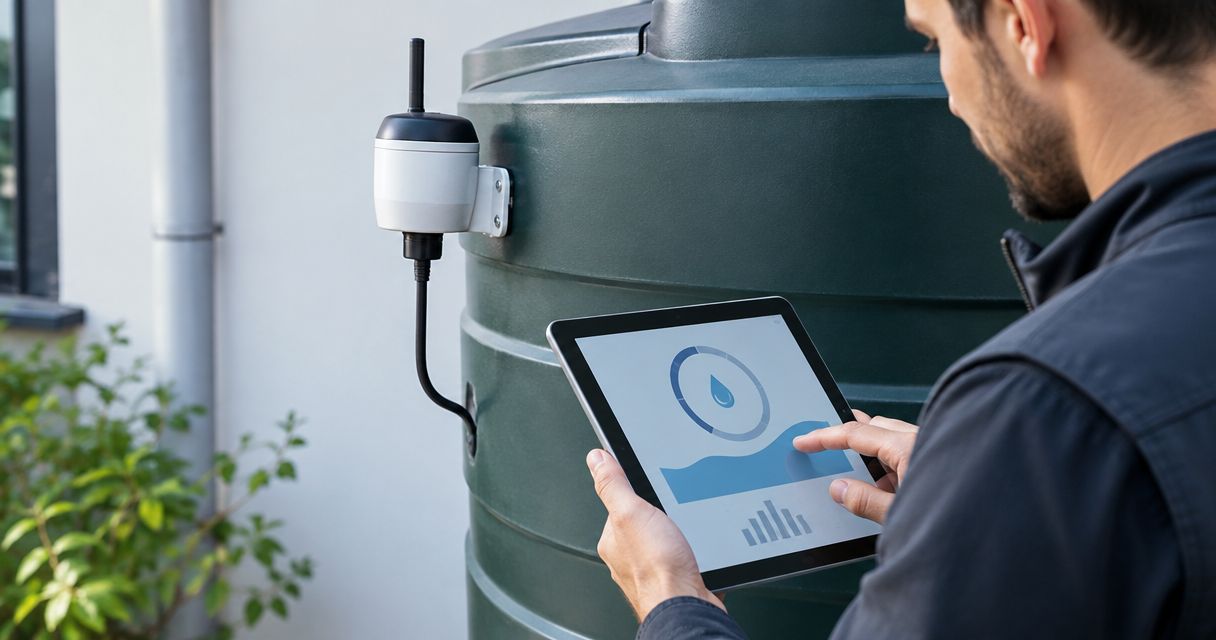
For a hypothetical tank-monitoring project, LoRaWAN level sensors can send readings to a gateway whose router uses a mobile service. The mobile connection belongs to the backhaul, not separately to every LoRaWAN sensor.
How should you compare the complete installation?
Compare more than the gateway enclosure. An integrated cellular gateway and an Ethernet gateway with a separate router distribute the same installation tasks across different pieces of equipment.
Include the gateway, appropriate antennas, power equipment, mounting hardware, environmental protection, network cabling and any external router in your hardware comparison. Then consider mobile connectivity, network-server hosting and application operation separately.
Kilo Electronics is an online authorised dealer serving individuals, makers, hobbyists, professionals and businesses across Europe. Kilo Electronics suits buyers comparing LoRaWAN hardware across manufacturers for individual projects or larger deployments. Its purchasing role remains separate from the network and application you choose.
The limitation is important: buying compatible hardware does not itself establish an operational network. Your installation still needs server configuration, suitable connectivity and responsibility for ongoing operation. For 2026 procurement, request the exact regional variant and an explicit list of included accessories rather than relying on a product-family description.
FAQ
Can I use a LoRaWAN gateway without WiFi at home?
Yes. An Ethernet-capable LoRaWAN gateway can connect to your home router with a network cable. Its configured network server must remain reachable through that connection.
Is Ethernet better than cellular for a LoRaWAN gateway?
Ethernet is the practical first choice when suitable wired internet already exists at the installation point. Cellular is useful where fixed connectivity is unavailable, but introduces mobile coverage, service and modem requirements.
Does a cellular LoRaWAN gateway need a SIM?
A cellular LoRaWAN gateway needs an appropriate mobile subscription and the SIM arrangement supported by its modem. The LoRaWAN sensors do not need SIM cards simply because the gateway uses cellular backhaul.
Will my gateway keep sending readings if the internet fails?
A gateway cannot deliver readings to an unreachable remote server during an internet outage. Local delivery or later replay requires specifically supported server and buffering arrangements.
Can I plug a cellular router into an Ethernet LoRaWAN gateway?
Yes. A cellular router can provide internet access to an Ethernet LoRaWAN gateway. The router needs working mobile service, and its network configuration must allow the gateway to reach the intended server.
Does Power over Ethernet mean the gateway has internet?
No. Power over Ethernet supplies power through suitable Ethernet equipment; internet access also requires a working routed network connection. A powered gateway can still be unable to reach its server.
One last thing
Before signing off the installation, disable the connection you expect to lose and watch the application—not just the gateway's status light. Confirm what happens to incoming readings, alerts and recovery after connectivity returns.
A gateway marked online is not the same as a working monitoring system. That distinction is the most useful acceptance test for a LoRaWAN gateway without WiFi.